GET PAID TO LEARN AI AND BUILD YOUR OWN BUSINESS. IN 90 DAYS.
No product? No audience? No experience? Perfect. We hand you an offer that's already built, the content, the scripts, and a live webinar that helps close the sale. You start in Week 1 — and learn the skills by doing them.
*$10K/month is a goal, not a guarantee. Results vary and depend on effort, execution, market conditions and qualifying sales. See the Affiliate Disclosure.
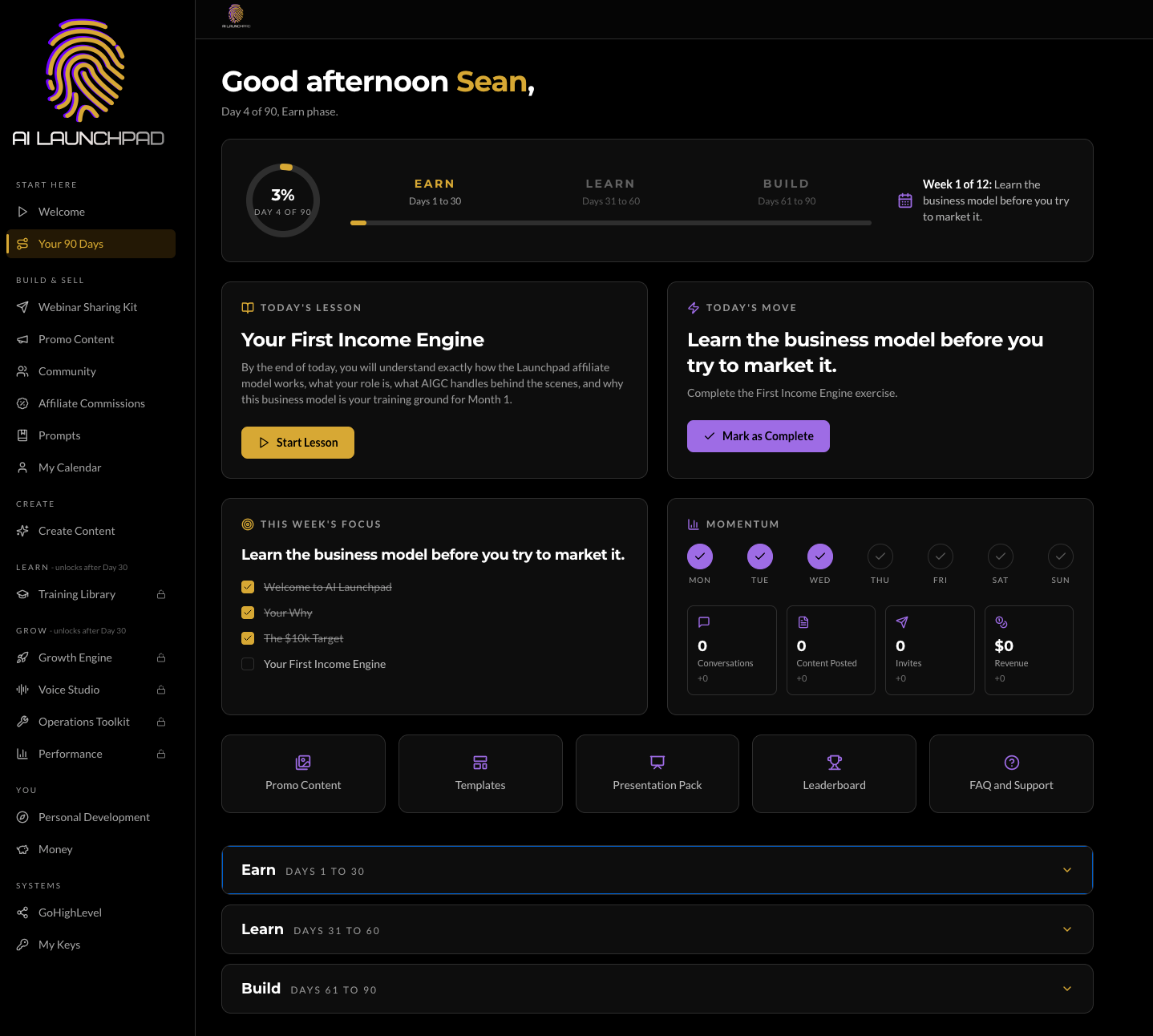
HERE’S EXACTLY WHAT YOU’LL SEE ON DAY 1.
Your dashboard: the 90-day path, today’s lesson, today’s move, and your momentum — in one place. No guessing. No blank page.
A SIMPLE 3-STEP PATH TO GET PAID TO LEARN. 90 Days
Here's why most beginners quit: they build a product before they ever talk to a customer. We flip it. You start with something already built.
JOIN
Get the offer, your personal partner link and your Week 1 toolbox.
SHARE
Post the done-for-you content, start conversations and invite the right people to the webinar.
EARN
Our live webinar helps with the sale. You earn a commission on qualifying purchases.
Then, when you're ready: learn the tech, build your own offer, and own it.
We built it.
Your first product is already here.
You share it.
Use the content, scripts, and assets.
We help close it.
Live webinars support the sale.
You own what’s next.
Use the skills to build your own system.
WE BUILD THE ASSETS. YOU FOCUS ON CONVERSATIONS.
Your job isn't to invent a product, write every post or close every sale alone. We give you the content, the scripts and a live webinar that helps with the sale. You bring the right people.
Overwhelmed and stuck
- ✕Building a product before you have a customer
- ✕Staring at a blank page
- ✕Not knowing what to say
- ✕Waiting until you feel ready
- ✕Figuring it out alone
In motion and earning while you learn
- ✓Offer and link ready on Day 1
- ✓Content and scripts done for you
- ✓Live webinars help with the sale
- ✓Coaching and community behind you
- ✓Skills that last beyond 90 days
EVERYTHING YOU NEED TO GET INTO MOTION.
We remove the blank page. You take action.
Done-for-you content
Posts, reels, captions and hooks. Know what to share.
Guided scripts
Conversation and invitation scripts. Know what to say.
Live selling webinars
Webinars that support the sale so you can focus on finding the right people.
Your personal partner link
A clear path to the offer, with a dashboard to track your commissions.
AI prompt library + tools
Never run out of ideas. Use AI from Day 1.
Live coaching + community
Hands-on coaching and mentorship. You're not figuring it out alone.
YOU BRING THE RIGHT PEOPLE. THE WEBINAR HELPS WITH THE SALE.
Our current example: a $997 offer with a 40% commission. That's $398.80 for every qualifying sale.
Refer a prospect
Share your link with interested people.
They join the webinar
They attend our live presentation.
Our team helps close
The webinar and our team support the sale.
You get paid
Earn a commission on qualifying sales.
Illustrative commission math, not income guarantees. Actual earnings depend on qualifying purchases and applicable commission terms; refunds, cancellations, taxes, payment processing and program terms may affect actual amounts. See the Affiliate Disclosure.
BE HONEST. WHICH ONE ARE YOU?
You're ready to start before you feel ready.
- You want to earn while you learn
- You don't have a product yet
- You want real AI and business skills
- You'll take action in Week 1
You want results with zero effort.
- You want passive income overnight
- You want another course to bookmark and ignore
This will feel like work. The right kind.
YOUR 90-DAY ROADMAP. EARN. LEARN. BUILD. OWN.
The emotional shift: "I don't know where to start" becomes "I know what to do next."
EARN
- Get your link and Week 1 toolbox
- Post, start conversations, invite people to the webinar
- Learn the simple selling system
- Track your numbers with a weekly scorecard
LEARN
- AI for the entrepreneur: prompting, research, content
- The AI toolbox: create, market, sell, automate
- GoHighLevel: CRM, funnels, workflows, SMS and email
- Turn technology into an asset
BUILD
- Find your unfair advantage
- Score your $10K/month business ideas and pick one
- Build the offer, funnel, CRM and automation
- Launch with our support behind you (optional)
“I don’t know how to make money online.”
“I have an offer, content, scripts, a webinar, and a link.”
“I understand how online earning works.”
“I understand AI and the technology behind modern businesses.”
“I have a system and a path toward $10K/month.”
*$10K/month is a goal, not a guarantee. Results depend on individual effort, execution, market conditions, qualifying sales and applicable program terms. See the Affiliate Disclosure.
EVERY REASON YOU MIGHT SAY NO BECAME SOMETHING WE BUILT.
So we gave you content.
Done-for-you content and guided scripts so you know what to share and what to say.
So we built the system.
The technology is already in place. Your job is to use it, not invent it.
So we brought in support.
Mentorship, community, and a team so you’re not figuring it out alone.
So we broke it down.
Bite-sized steps you can start without trying to learn everything at once.
So we said nearly $400.
A qualifying sale can mean $398.80 in the current example — plus live webinar sales support.
So we write the emails.
Marketing assets and emails inside the applicable system, so you are never staring at a blank page.
WE DIDN’T JUST GIVE YOU A COURSE. WE BUILT THE INFRASTRUCTURE AROUND YOU.
Done-for-you resources
Content, scripts, prompts, and assets ready on day one — so the gap between learning and doing stays small.
Live coaching
Hands-on coaching where the bottleneck actually is, so you are not figuring it out alone.
Done-for-you selling webinars
You bring the right people. The webinar supports conversion.
Eight areas. Twenty-nine tools. Each one does a job you’d otherwise pay a consultant, a course, or a week of your time to do.
Get Started
1 toolLand on one specific business to start — not five vague ideas.
Operations Toolkit
9 toolsFind the leaks instead of guessing. The diagnostic core of the program.
Content Engine
3 toolsTurn an idea into a post that actually ships.
Personal Development
2 toolsClear what’s in the way between you and the work.
Money
2 toolsStructure the money so it doesn’t disappear — business and household.
Growth Engine
8 toolsGet found, followed up with, and grown.
Voice Studio
1 toolNarrate scripts in your cloned voice without recording each time.
GoHighLevel Command Center
3 toolsSet up, publish, and pull results back in on the platform it runs on.
Toolbox value as published at aigrowthcapitalists.com. Not a guarantee of income or results.
THE PEOPLE BEHIND THE MOVEMENT.
Together we rise. Wins we've seen from our community.

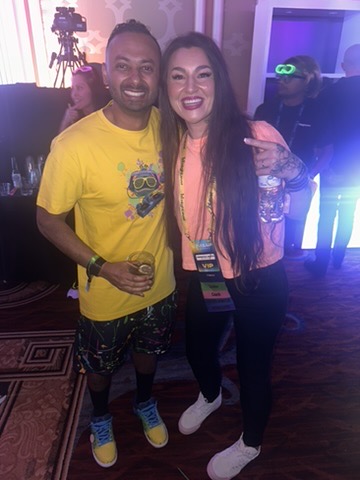


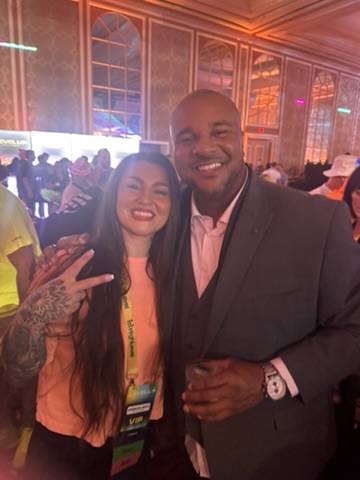

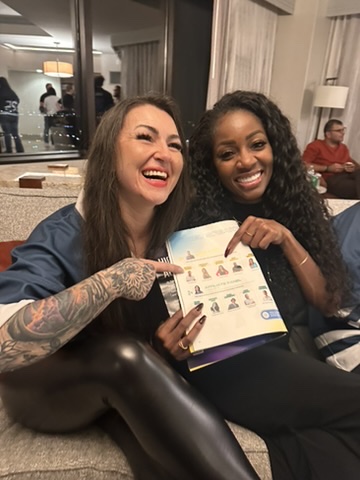


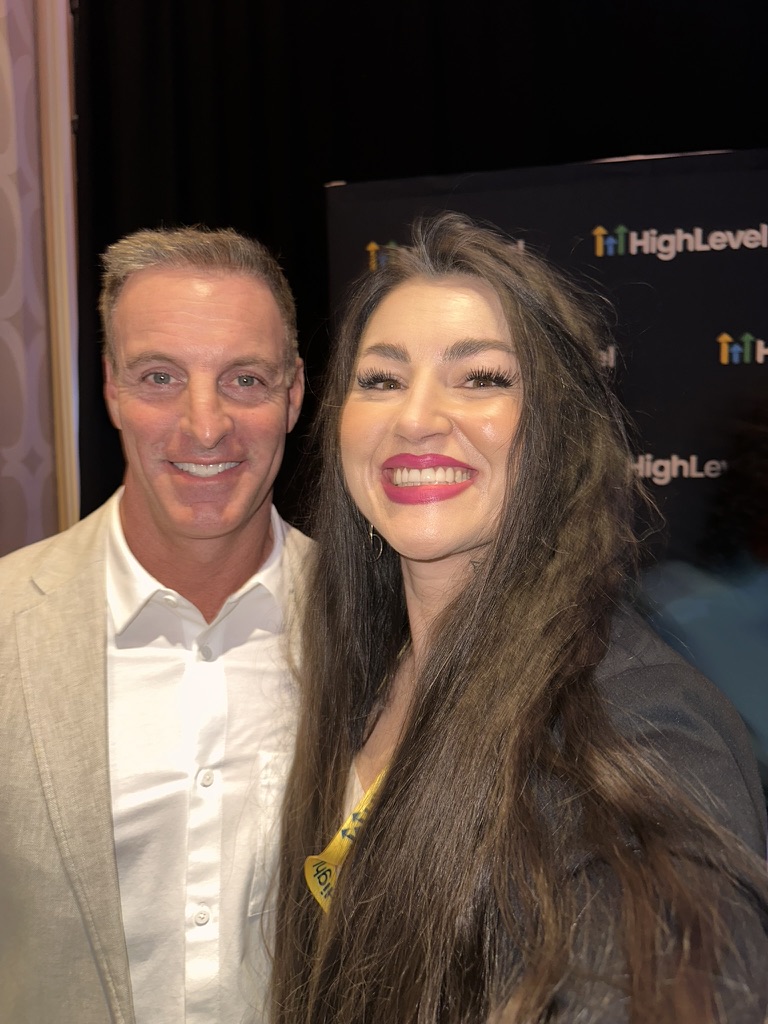

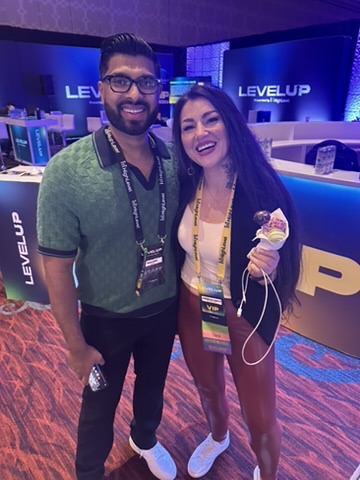


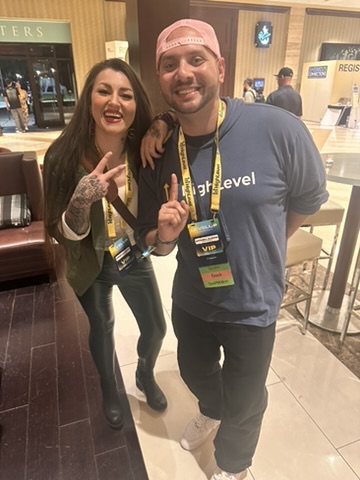

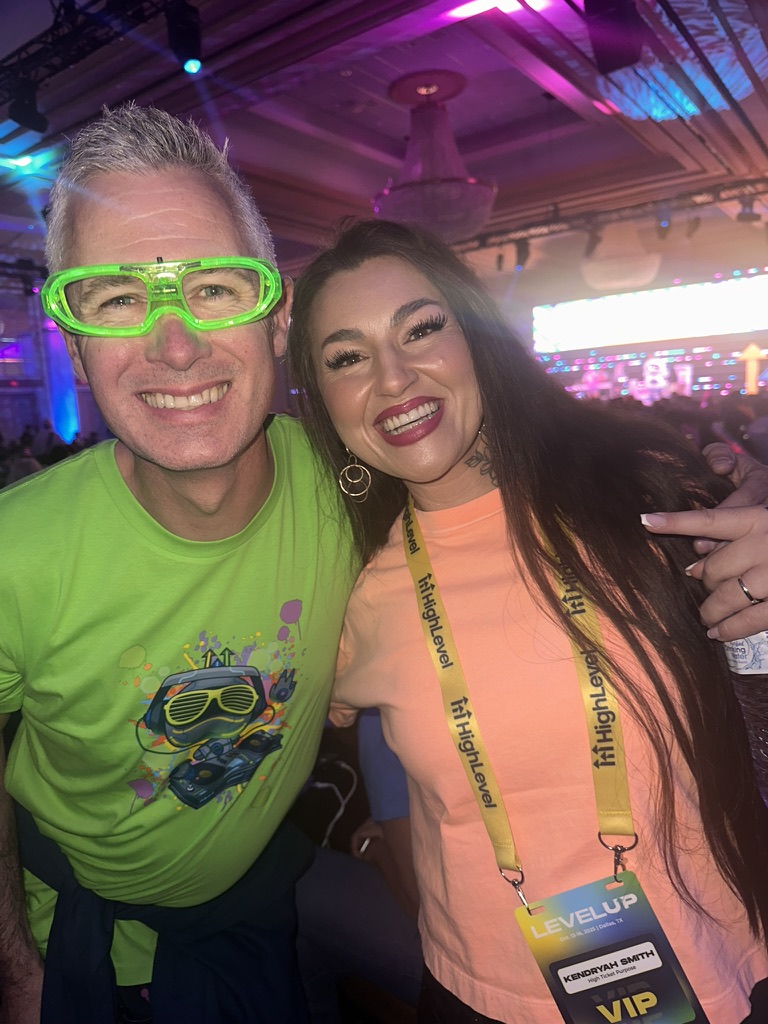

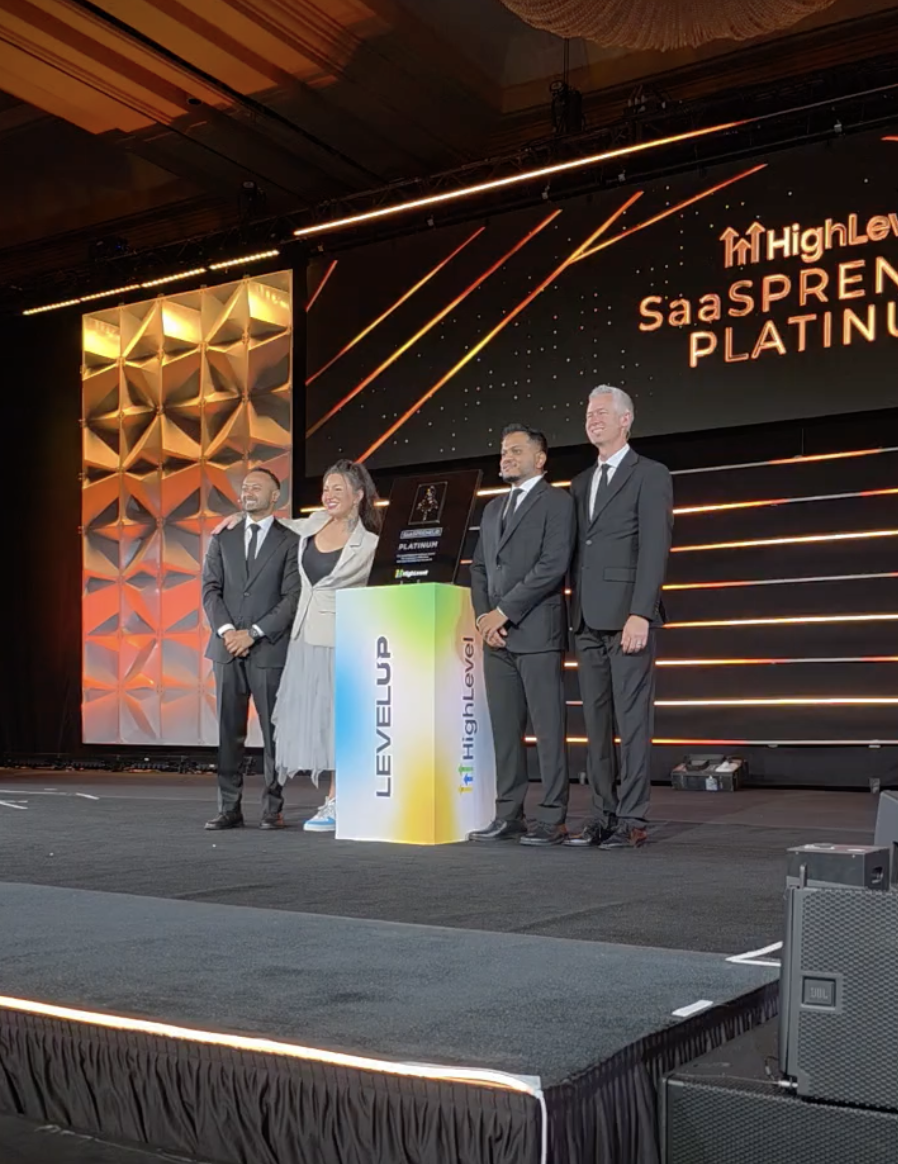
Results shown reflect individual experiences and are not typical. See the Affiliate Disclosure.
WE LOVE SEEING OTHERS WIN.
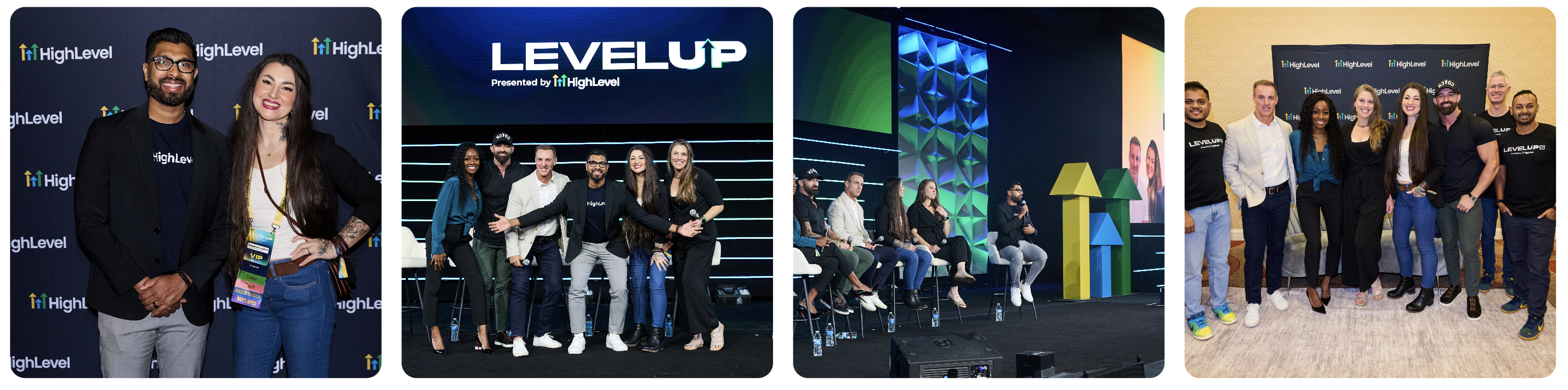
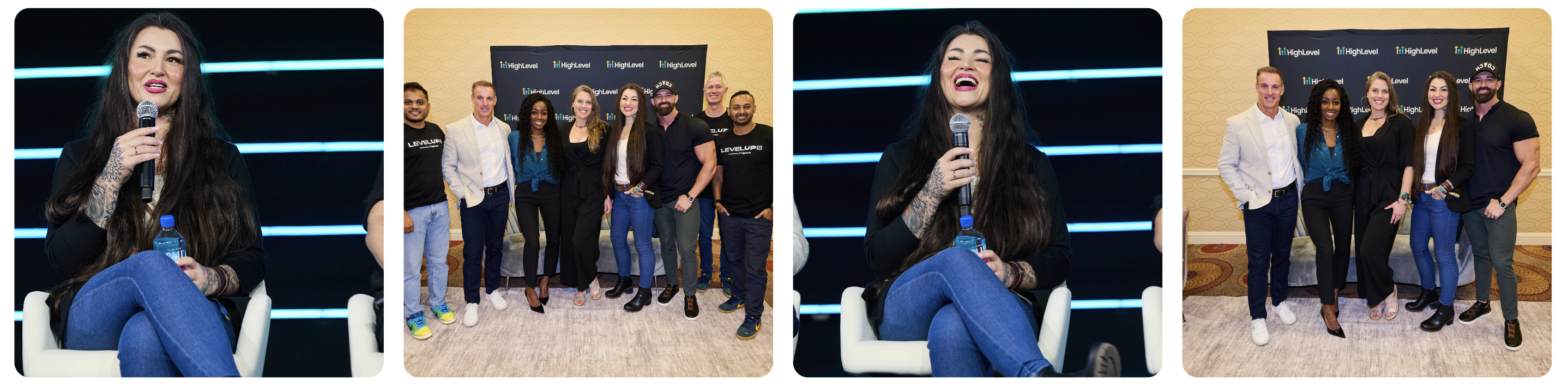
LEARN FROM THE BEST IN THE INDUSTRY.
A sneak peek at the trainers you'll learn from.

Original Shark Tank Shark


In partnership with GoHighLevel
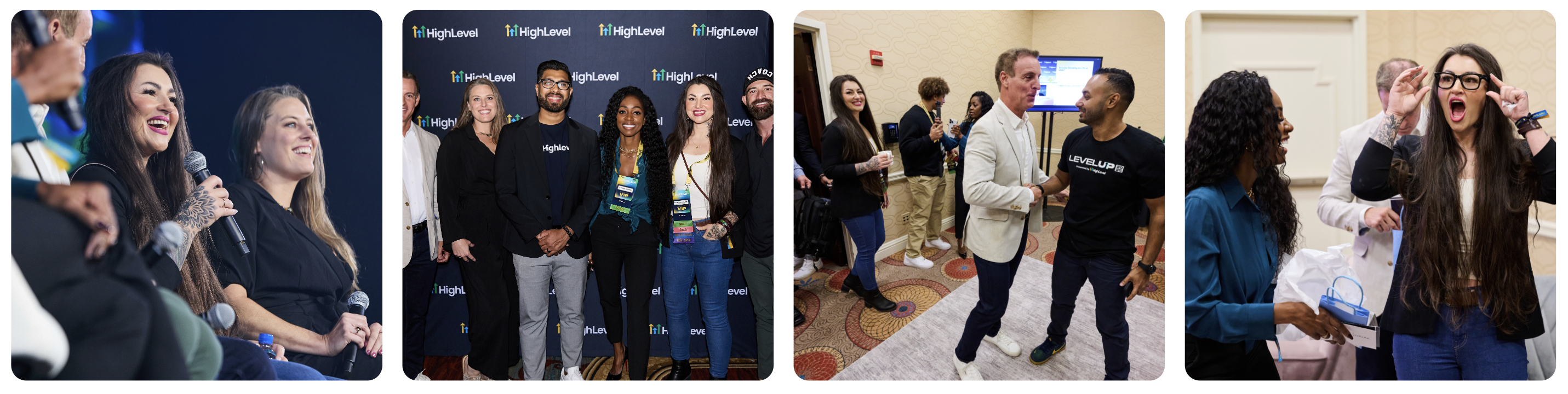
WE LIVE HIGH LEVEL.
Build the business. Build the life. Keep the standard high.
EVERY REASON YOU MIGHT SAY NO. WE BUILT AN ANSWER.
"I can't sell."
You don't have to be a salesperson. You get done-for-you content and guided scripts, so you know what to share and what to say. Your job is to find the right people and invite them to the webinar.
"I'm scared of tech."
We built the system for you. You start with simple tools and support behind you, then learn the deeper tech (AI and GoHighLevel) step by step.
"I feel alone."
You won't be. Mentorship, live coaching, community and a team are built in, so you're not figuring it out alone.
"I don't have time."
Everything is broken into bite-sized steps. You can start without trying to learn everything at once.
"I don't know marketing."
That's what the toolbox is for. You get marketing assets and an AI prompt library, so you're never staring at a blank page.
"Are the commissions worth it?"
Our current example is a $997 offer with a 40% commission, which is $398.80 per qualifying sale. That's an illustration, not a guarantee. See the Affiliate Disclosure.
"Do I need my own business?"
No. You start with an offer that's already built. Building your own business is optional, when you're ready.
"Should I join or just watch the webinar first?"
If you already know you want the system, get started. If you want to see the path explained live first, register for the webinar. Both doors lead to the same 90-day plan.
DON'T WAIT UNTIL YOU'RE READY.
You can keep waiting until you feel ready, or you can start with a system that's already built. Get into motion. Learn the machine. Build what you own.
One moment, taking you there...
By continuing, you agree to receive emails from AI Launchpad. You can unsubscribe at any time.
Affiliate Disclosure
Please read this before you decide to join.
Our relationship with the offer
AI Launchpad teaches members to promote a partner offer using a personal tracking link. When someone buys through your link and the purchase qualifies, you may earn a commission. We and our partners may also earn compensation when qualifying purchases are made through those links.
Commission examples
Figures shown on this page (for example, a $997 offer at a 40% commission equaling $398.80 per qualifying sale) are illustrations of the math only. They are not a promise, a forecast, or a typical result.
No income guarantee
We make no guarantee of income or results. The $10K/month figure is a goal, not a guarantee. Results depend on individual effort, skill, execution, market conditions, qualifying sales and applicable program terms. Many people earn nothing.
Wins and testimonials
Stories, screenshots and results from community members reflect the experience of those individuals. They are not typical and do not guarantee that you will get the same or any results.
What can change your commission
Refunds, cancellations, chargebacks, taxes, payment processing fees and program terms may reduce or reverse commissions. You are responsible for any taxes on what you earn.
Compliance
When you promote, you are responsible for making honest claims and disclosing your affiliate relationship as required by the FTC and the laws where you operate. Do not promise or imply guaranteed income when you share the offer.
No Refund Policy
All sales are final.
Digital products and access
AI Launchpad provides digital training, done-for-you resources, live coaching, webinars and community access. Because you receive access to digital materials and services right away, all purchases are final and non-refundable.
By purchasing you agree that
- You have read the offer details and this policy before buying.
- Not using the materials, not attending sessions, or a change of mind does not entitle you to a refund.
- Cancelling a payment plan or subscription stops future charges only if allowed by the terms shown at checkout. It does not refund amounts already paid.
Questions or billing problems
If you think you were charged in error, contact Support first so we can look into it. Please do not open a chargeback before contacting us.
Effect on commissions
If a qualifying purchase you referred is later refunded, cancelled or charged back, the related commission may be reversed or not paid, per applicable program terms.
Where the law says otherwise
Nothing here limits any rights you have under applicable law that cannot be waived.
Support
We want you to get moving, not get stuck.
Getting help
Use the support link or reply to the email in your purchase confirmation and welcome messages. Include the email you used to sign up and a short description of what you need.
What we can help with
- Access to your training, tools and resources
- Your personal partner link and tracking
- Webinar registration and reminders
- Billing questions
Live coaching and community
Coaching sessions and community channels are your place to ask strategy questions and get feedback from the team and other members.
Response times
We respond to support requests as quickly as we can. Response times may vary.